Fresh from Shipaton

Elements - Aesthetic Widgets
Aesthetic widgets that match — because you designed them that way.
2 views this month
2026Shipaton
CategoryUtilities
DeveloperTouseef Hassan Nasir
iPhone



About this app
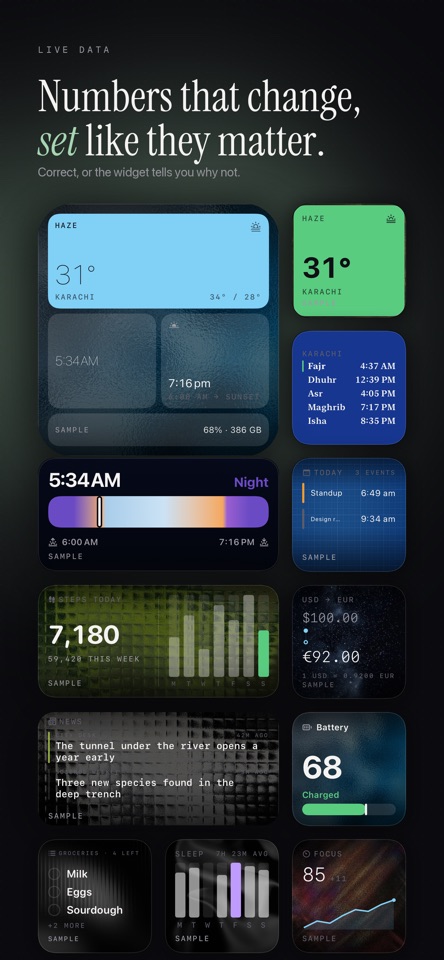
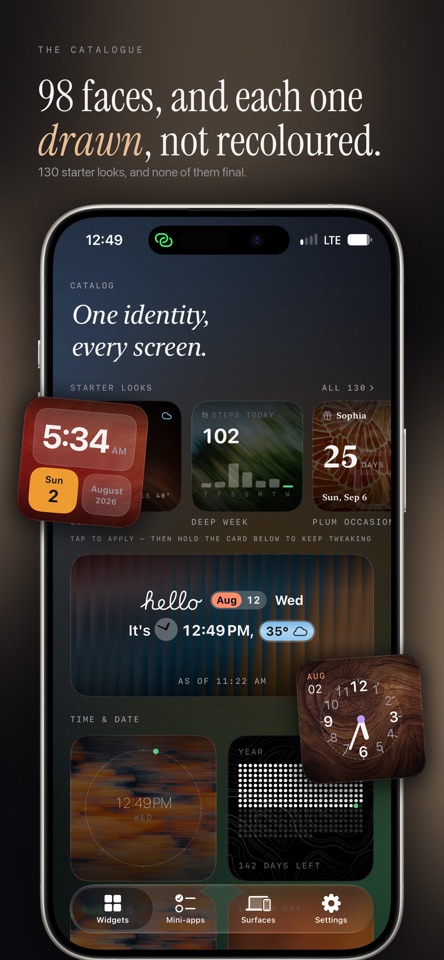
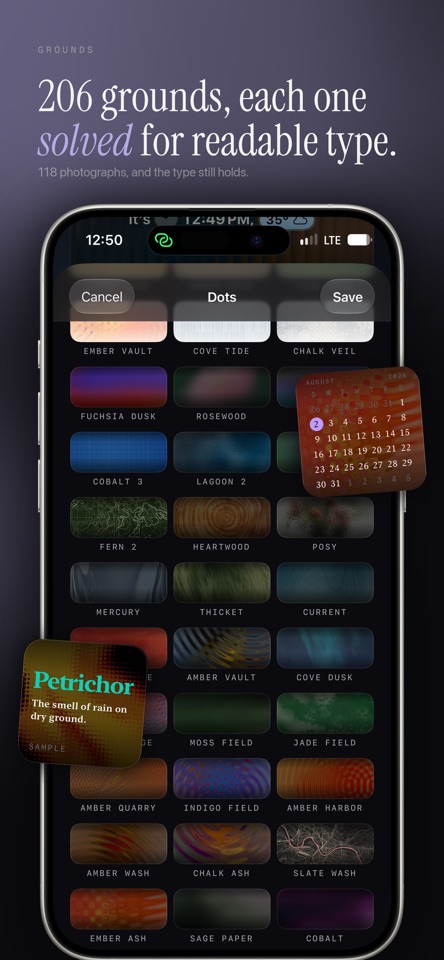
Aesthetic widgets that match — because you designed them that way. Most widget apps hand you a pile of unrelated widgets. Elements gives you a design system: set the typeface, the accent, the background and the density once, and 32 kinds of widget wear it — on the Home Screen, the Lock Screen, StandBy, CarPlay, and on your Mac. 145 designed faces. 206 backgrounds, 118 of them photographs. 12 accent colours, or your own. 180 finished looks you can apply in one tap and then keep tweaking. WIDGETS THAT KNOW SOMETHING • Weather written as a sentence — "31° now, feels 35°. Haze till 6pm." • Your next event, your month at a glance, and how long until the next thing • A groceries list you tick off from the Home Screen • Steps, distance and sleep, read from Health • Sunrise, sunset, the moon's phase, and how much daylight you lost since yesterday • Prayer times, computed on device from five published methods • Currency at the day's published reference rate • Battery, storage, world clocks, countdowns, a verse, a word, your own feeds CUT OUT A SUBJECT AND STICK IT ON YOUR SCREEN Pick a photo and Elements lifts the subject out of it — no background, just the thing. Size it, turn it, nudge it, give it a paper edge. Keep a shelf of them and let the widget rotate through. MINI-APPS YOU FILL YOURSELF Habits you check off. Tallies you count. Subscriptions with renewal reminders. A focus timer. A fasting window. Readings your own Shortcuts write into. A canvas you compose from blocks. All of it stays on your phone. FED BY YOUR SHORTCUTS Four Shortcuts actions let your automations write straight into a widget: update a reading, check in a habit, adjust a counter, set a canvas block. State how often your shortcut runs and the widget will say "as of 9:41" when it misses — a stale number never poses as a fresh one. CORRECT, OR IT TELLS YOU WHY The most common complaint about widgets is that they go stale, blank, or wrong. Elements treats that as a feature to build, not a bug to apologise for. Every widget knows how fresh its data is and says so. Every failure is named — "no location fix", "offline", "not allowed" — instead of one shrug. There is a Widget Health screen that shows what actually reloaded today against the system's own budget. NOTHING HERE IS A SCORE No badges. No XP. No streak repairs to buy. No confetti, no leaderboards, no red marks for a day you missed — a missed day is an empty dot. The reward is that the number is right and the typography is good. THREE THEMES, LIGHT AND DARK Ink Bento is near-black panes and feather numerals. Dawn Glass is warm paper. Pop is flat saturated colour. Every design can pin its own theme and its own light/dark, so one widget can be dark while another follows your phone. PRIVACY Calendar, Reminders, Health and everything you type stay on your device. Health access is read-only and the widget extension never touches it. Weather sends your location — or the place you pin — to Apple to get a forecast, and a few widgets fetch public data like exchange rates or the headlines from feeds you add yourself. There are no accounts, no analytics and no tracking. Four finished widgets — clock, weather, next event, battery and storage — fully styleable, no ads, no watermarks. Elements Pro unlocks the rest of the catalog, saved designs, and the mini-apps. Terms of use:


