Fresh from Shipaton

KRAFTO: Photo & Graphic Design
Make flyers, posters, menus, social posts and ad banners on your Mac.
3 views this month
2026Shipaton
CategoryGraphics & Design
Developerwataru fujie
iPhone



About this app
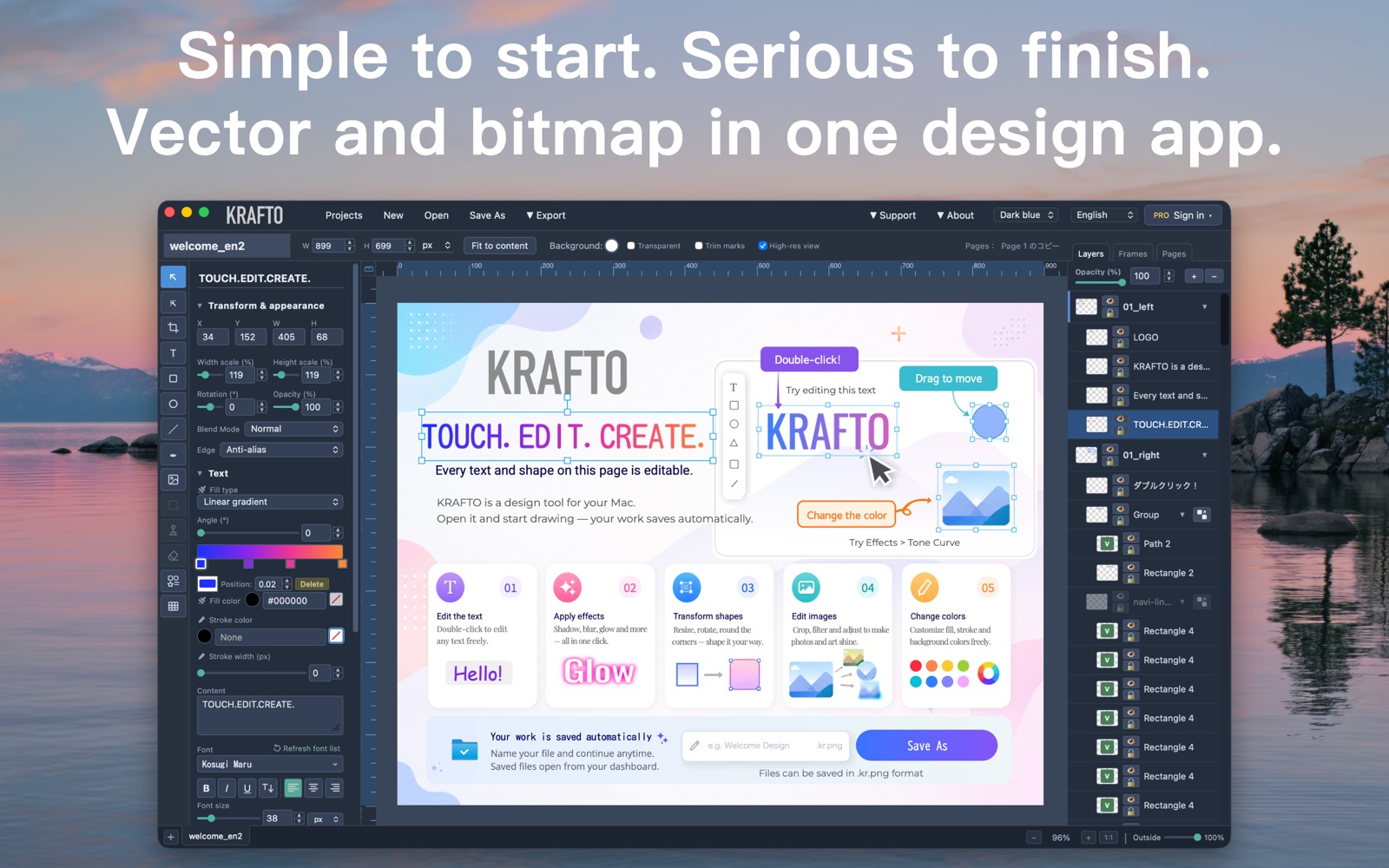
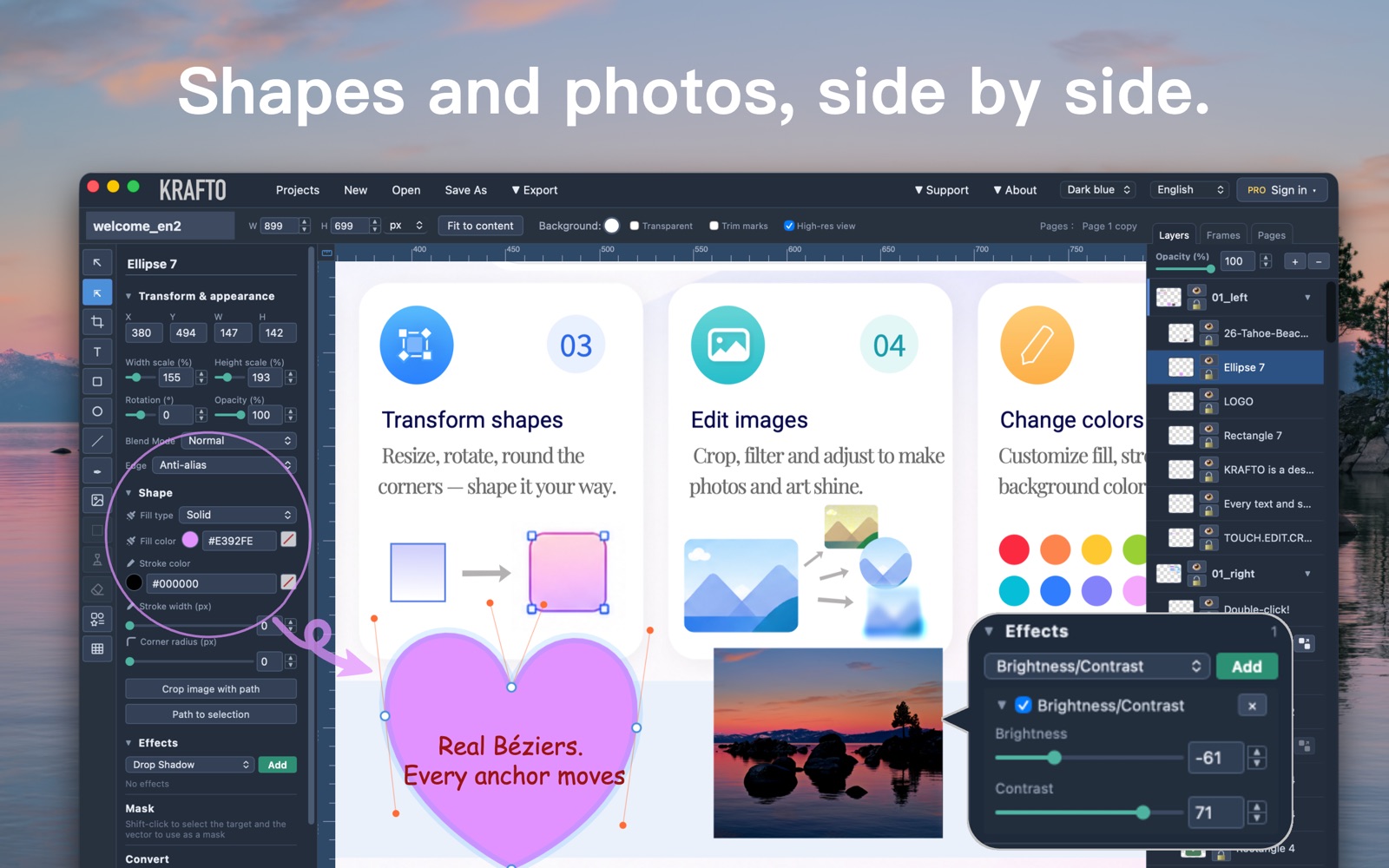
Make flyers, posters, menus, social posts and ad banners on your Mac. KRAFTO brings photos, text and shapes together so you can turn your ideas into designs of your own. Want more freedom than a fixed layout, without committing to a professional suite for everyday design work? KRAFTO combines photo editing, vector tools, typography and export in one app. TRY EVERY TOOL FOR FREE Start without signing in. Every editing tool is available for free, with no limits on layer count, saved projects, export formats or resolution. Free exports include a small watermark. KRAFTO Pro is a monthly subscription that removes it. That is the only feature difference. When your trial or subscription ends, you can still open, edit and export your projects with the watermark. PHOTOS, TEXT AND SHAPES TOGETHER Cut out a photo, add a headline and adjust the shapes around it—all on the same canvas. Draw curves with the pen tool, combine shapes and edit paths alongside your photos. Finish a flyer or banner with less switching between apps. ASSETS AND FONTS TO GET YOU STARTED Choose from 1,200+ built-in vector assets and change their colors to suit your design. You do not need to draw every element from scratch. Use fonts installed on your Mac, browse Google Fonts or import your own font files. Fine-tune letter spacing, convert text to outlines and create Japanese vertical text. CHANGE YOUR MIND AS YOU DESIGN Add shadows, blur, glow and other live effects, then adjust or remove them later. Fine-tune photo brightness and color, and use masks for editable cutouts. Explore different looks as your design takes shape. EDIT SVG AND TRACE IMAGES Import SVG artwork and edit its shapes and colors. Turn a scanned drawing or logo into editable vector paths, with a live preview for adjusting smoothing and noise reduction. EXPORT FOR SCREEN AND PRINT Export to PNG, JPG, SVG, PDF, PSD, GIF and MP4. For print projects, KRAFTO supports trim marks, 3mm bleed, 300/350 dpi and page sizes in millimetres. Create a print PDF using settings that match your print provider's requirements. KEEP YOUR PROJECTS ON YOUR MAC Save projects as .kr.png files: PNG images with the editable project data inside. See a thumbnail in Finder, then open the file in KRAFTO to pick up where you left off. Save and edit your artwork without uploading it to a server. MORE WAYS TO CREATE • Build price lists and data graphics with tables and six chart types. • Create frame animations and export them as GIF or MP4. • Organize your work with multiple pages and project tabs. • Reuse design elements with symbols, named styles and swatches. Also included: autosave, version history, three interface color themes and an interface in 10 languages. Start with one flyer, one menu or one image you have been meaning to make. Add your elements, arrange them your way and make it yours. ABOUT KRAFTO PRO KRAFTO Pro is a monthly auto-renewable subscription with a 7-day free trial for eligible users. Unless cancelled at least 24 hours before the trial ends, the trial automatically converts to a paid subscription charged to your Apple Account. Subscriptions renew automatically unless cancelled at least 24 hours before the end of the current period. Manage or cancel your subscription in your Apple Account settings. Terms of Use: Privacy Policy:


