Fresh from Shipaton

Ripple: Sensory Spaces
Ripple is a calm surface that answers when you touch it.
1 view this month
2026Shipaton
CategoryHealth & Fitness
DeveloperSteven Brammah
iPhone


About this app
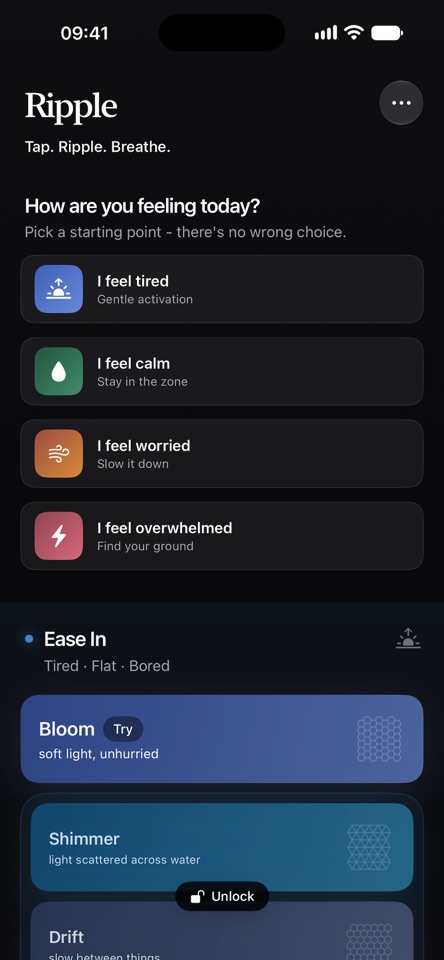
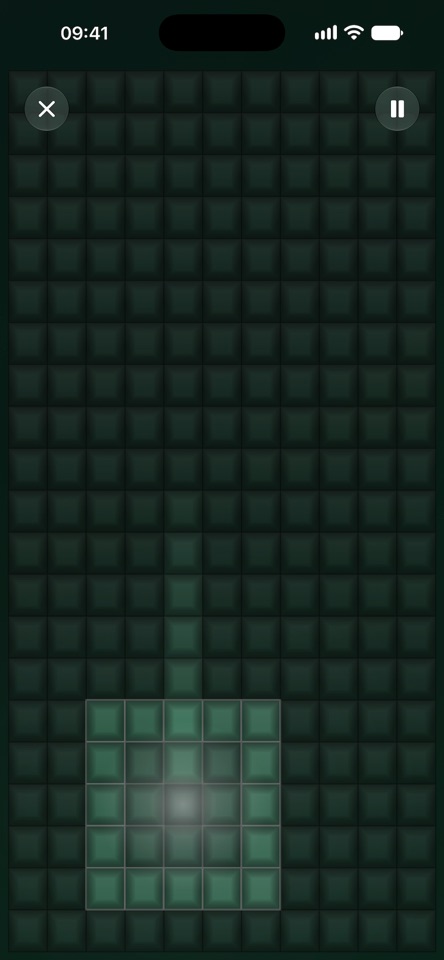
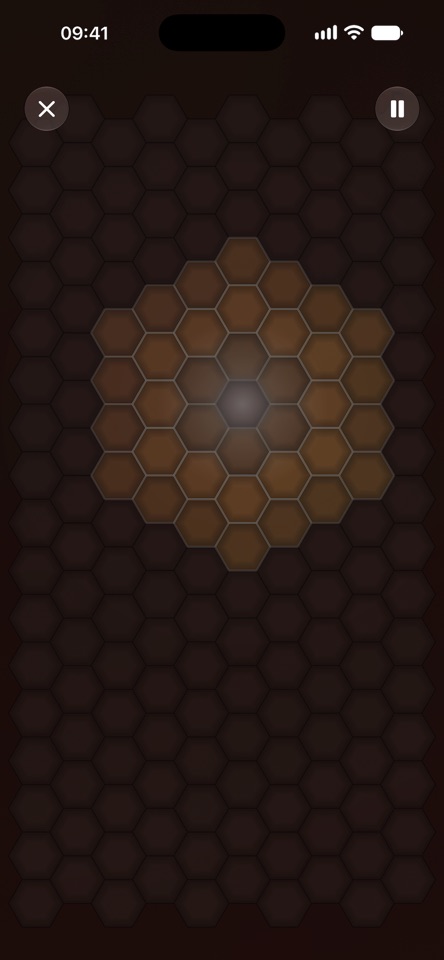
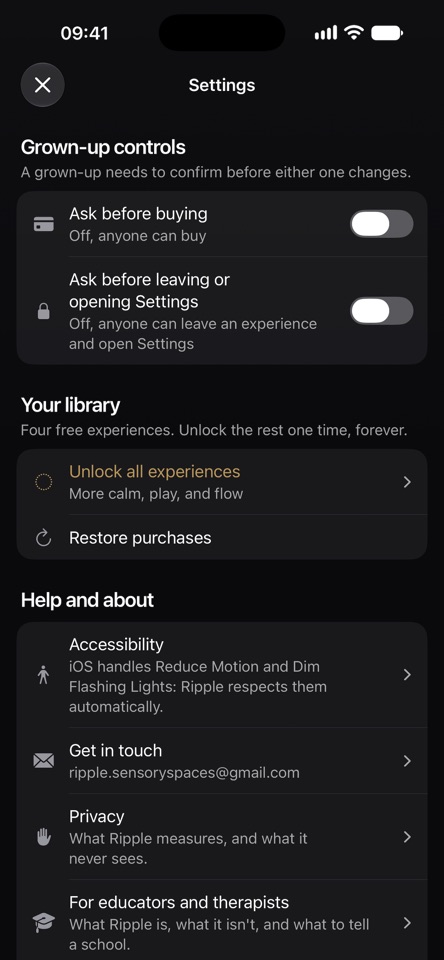
Ripple is a calm surface that answers when you touch it. Tap, and a wave spreads outward through a grid of cells - lighting each one as it passes, fading as it reaches the edge. There is nothing to learn and nothing to set up. Open it, touch it, and it responds. No sign-up. No onboarding. No score, no streak, and no timer running somewhere measuring how long you managed. Just something to do with your hands that asks nothing back. TWELVE SURFACES, FOUR WAYS IN Ripple's experiences are grouped by how you arrive rather than by what they are called. Ease In - for when you're flat, foggy, or not quite started. Settle - for when you're alright and want to stay there. Breathe - for when things are climbing. Ease Out - for when everything needs to slow down. Each surface is a finished thing with its own grid, its own pace and its own colours. Shimmer is light scattered across water. Meadow is light through long grass. Still is slow water with no edges. START WHERE YOU ARE If choosing is already too much, four Quick Starts choose for you. Tired. Overwhelmed. Calm. Worried. Tap one and you're in. SILENT BY DEFAULT Ripple makes no sound at all. It works on a bus, in a meeting, in a classroom, at three in the morning. No headphones, nothing to mute, nothing to explain to the person next to you. A light haptic answers each ripple you make, so it still feels like something happened. LEAVE IT RUNNING Autoplay keeps the surface moving with nobody touching it - for a shared iPad, a quiet corner, or just to watch. FOR THE GROWN-UPS Two optional controls, both off by default, both needing Face ID or a passcode to change. "Ask before leaving" keeps a child in the experience you handed them instead of back on the home screen. "Ask before buying" means nothing can be purchased without you. Neither ever locks anyone in: if the device has no passcode, both open rather than trap. MADE TO BE SENSORY-SAFE No flashing. No harsh contrast. No sudden movement. Ripple reads your iOS accessibility settings and adjusts itself: turn on Reduce Motion or Dim Flashing Lights in Settings > Accessibility and Ripple responds without being asked. Every palette is contrast-checked, and nothing relies on colour alone. Dynamic Type is supported throughout, up to the largest sizes, with a full light and dark appearance. NO ACCOUNT, NO ADS Nothing to sign up for and nothing to create. No name, no email, no advertising. Ripple works with aeroplane mode on. It measures a little about how the app is used - never anything you draw, never your precise location, and never to advertise to you. Settings has the full list in plain English. WHAT'S FREE Bloom, Flow, Blush and Still are free - one from each of the four groups, chosen because they are good, not because they are samples. A single one-time unlock opens the other eight. It is a purchase, not a subscription, and it works with Family Sharing.


